
TAMY Digital Passport: How to Claim, Scan QR Codes & Redeem Souvenirs
Collect digital stamps across Tân Mỹ landmarks right in your phone browser — no app download or personal registration required.
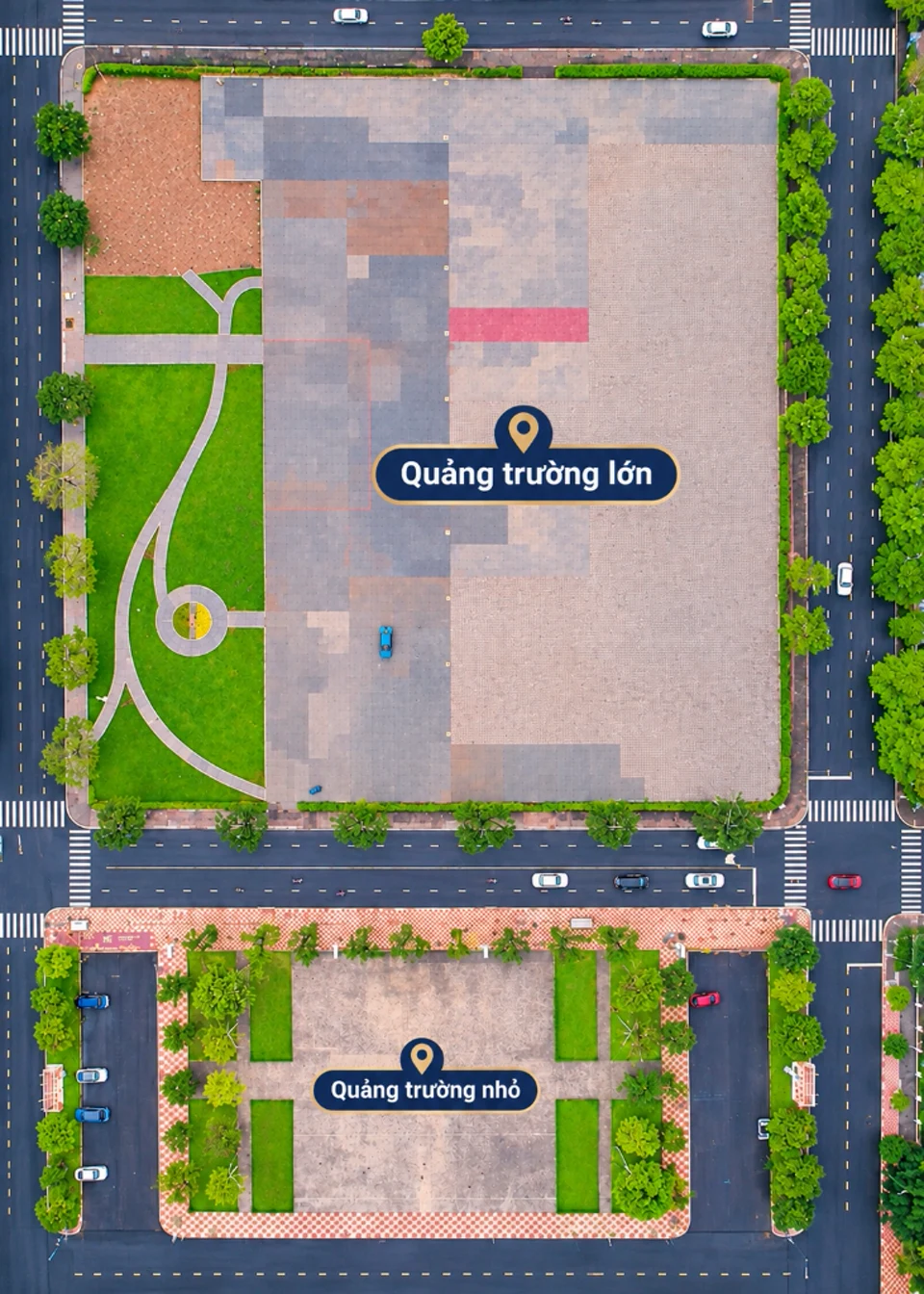
The TAMY Digital Passport (/en/passport) turns your visit to Tân Mỹ Ward into an interactive discovery journey. Every landmark you visit adds a unique digital stamp to your passport book.
Key Highlight: No app download required and no personal data registration needed. Your passport works instantly inside your smartphone web browser.
1. Four Simple Steps to Join
- Step 1 – Claim Your Free Passport: Open the TAMY Passport page and tap "Get a passport". Save a screenshot of your one-time Recovery Code.
- Step 2 – Scan QR Boards at Landmarks: Visit check-in points including Tân Mỹ Plaza, Starlight Bridge, SECC, Tân Mỹ Market, and the MRF Recycling Stations, and scan the on-site TAMY QR code with your phone camera.
- Step 3 – Stamp Your Passport: Tap "Stamp" on the check-in screen to add the official landmark badge to your passport.
- Step 4 – Redeem Your Souvenir Gift: Once you collect enough stamps, tap "Get reward code" on the TAMY Passport page and show your code at the Tân Mỹ Plaza Information Desk to receive your souvenir.